Keep the design recognisable.
Start from the exact view you framed. Reframe carries camera, silhouette, and proportion into every direction.
Freeze your 3D view, describe the look, and generate multiple AI renders on a collaborative online whiteboard.
Live 3D model → frozen camera view → AI render
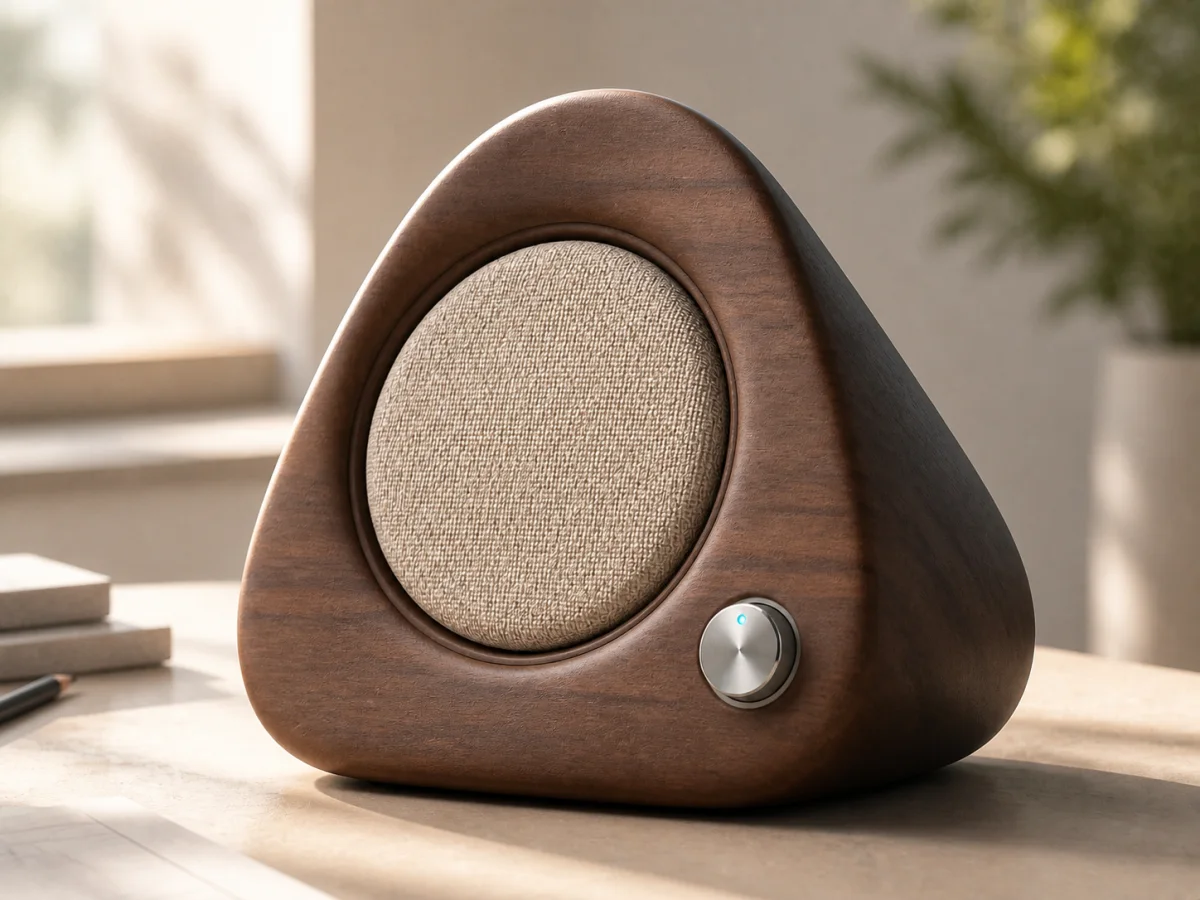
Warmer. This feels right for the home range.
Turn the view you already have into the world you want to see. Explore materials, lighting, and context while the frame stays anchored to the design.
The point of view stays part of the conversation.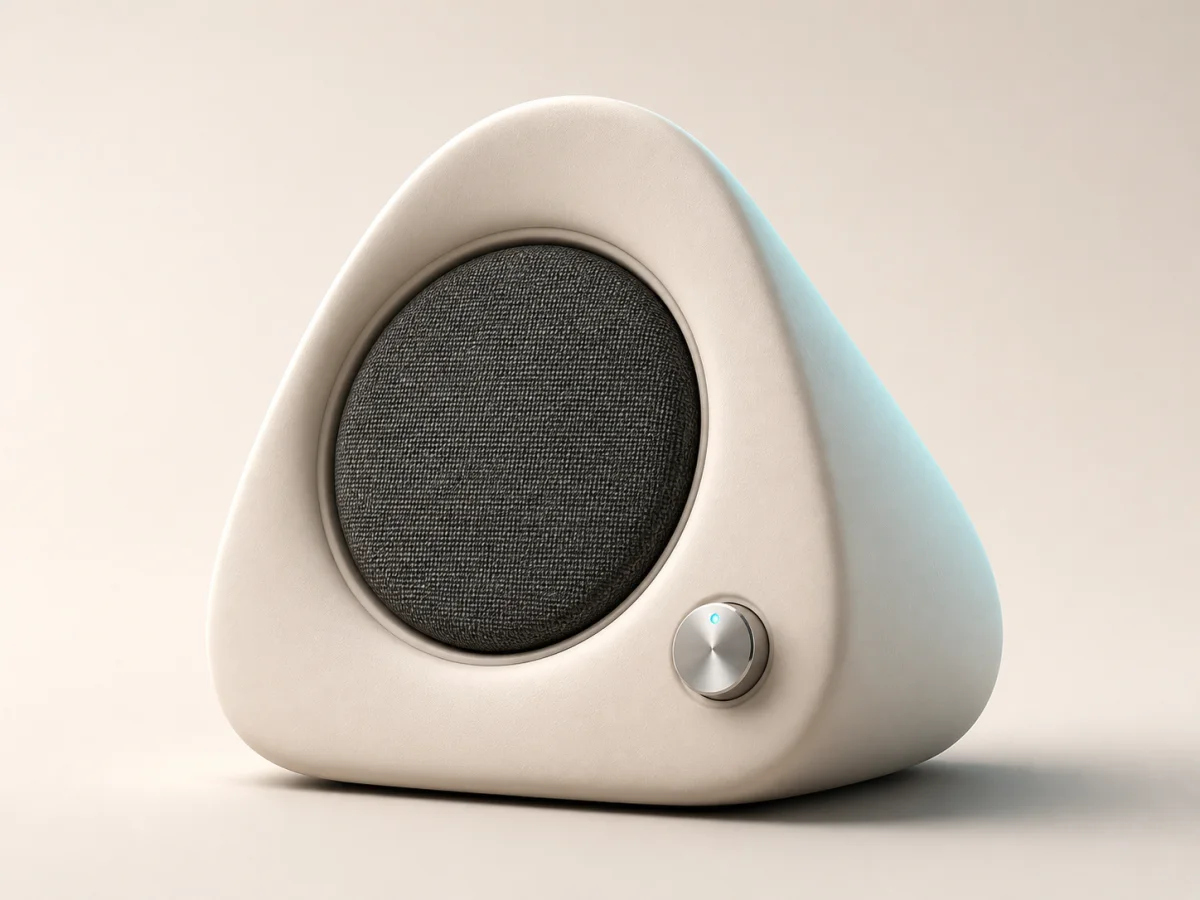 AI render03 / 04
Start from the exact view you framed. Reframe carries camera, silhouette, and proportion into every direction.
Describe the material, light, mood, or market. The render becomes a proposal you can react to, not a detached prompt result.
Shortlist, vary, annotate, and agree. The human decision sits beside the image that made it possible.
Every frame, render, sketch, prompt, and decision is an object on the same live canvas. Your team and its agents share the whole train of thought.
Can this feel more like furniture and less like tech?
Maya · 10:42Live cursors, comments, sketches, and shared boards keep critique spatial and immediate.
Render variations stay beside their source frame, prompt, and parent direction.
Capture what changed, who weighed in, and why the team moved forward.
The future of design is not autonomous output. It is a shared creative process where people bring judgment and agents bring range, working in the same space toward the same decision.
Frame the problem, bring taste, and decide what matters.
“Make it feel at home.”Generate directions, surface tradeoffs, and keep constraints intact.
4 material worldsCompare the work together and keep every decision in context.
Direction approvedWe are building the place where creative agents become visible collaborators: able to explore, explain, and contribute without taking the decision away from the people responsible for it.
Your next material study, campaign frame, or product decision can happen in one shared place.
Walnut is the one. Can we soften the fabric?